Stock discrepancies
Manual counts and scattered adjustments make it difficult to explain why on-hand quantities changed.
→Use a traceable movement ledger, stock counts, and controlled adjustments to keep changes visible.
WorkVia Inventory
Bring products, purchasing, stock movements, reorder points, and reporting into one connected retail workflow—so your team can act on clearer inventory information.
From uncertainty to control
Replace disconnected stock work with practical, traceable workflows your team can follow.
Manual counts and scattered adjustments make it difficult to explain why on-hand quantities changed.
Teams find out too late that a fast-moving item has reached its minimum level.
Purchase records, receiving activity, and product quantities live in separate files or systems.
Owners and staff cannot quickly see where stock sits or which items need attention.
Core capabilities
Each capability stays grounded in the workflows and plan entitlements WorkVia supports today.
01
Keep product records, variants, barcodes, on-hand quantities, reorder points, and warehouse stock organized in one place.
02
Create supplier and purchase-order records, then receive supported purchases into stock without maintaining a second spreadsheet.
03
Follow inventory in and out through a dated ledger, with adjustments and POS sales reflected as controlled stock activity.
04
Define minimum stock thresholds and bring items at or below their reorder point into view for timely follow-up.
05
Use stock and sales reporting to review inventory position, movement activity, and the operating context behind purchasing decisions.
06
Give staff access according to their responsibilities while cost visibility and inventory actions remain permission controlled.
Inside the software
Move through the key areas without losing the context behind your stock.
dashboard
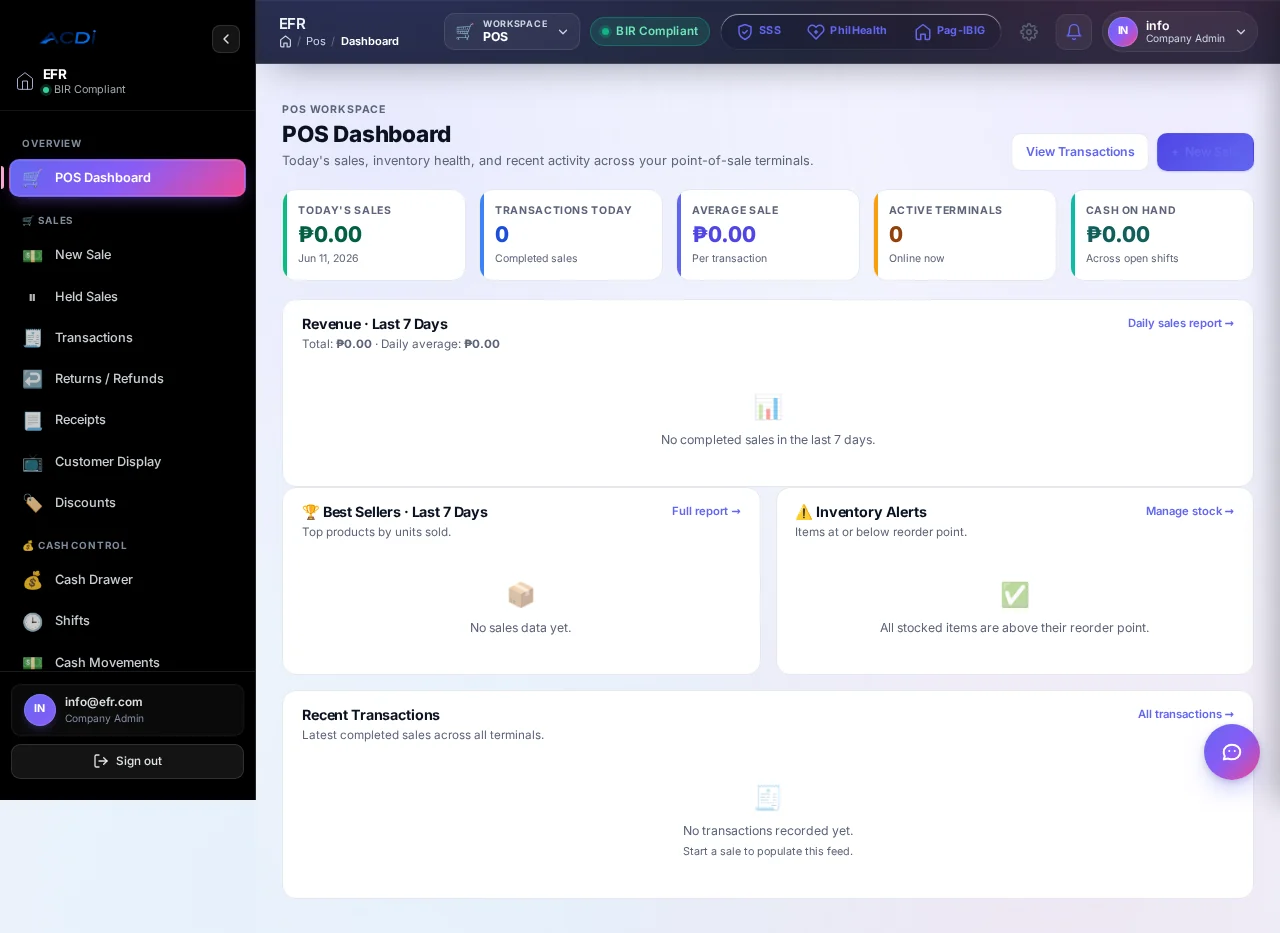
Review stock position, low-stock attention items, recent movement activity, and operating signals from one view.
products
Organize product records, variants, barcodes, categories, reorder settings, and inventory tracking details.
purchasing
Keep suppliers and purchase orders connected to supported receiving and inventory processes on eligible plans.
reports
Review basic or advanced stock and sales reports according to the plan selected for your operation.
Inventory workflow
Create products, variants, barcodes, stock settings, and the locations that hold inventory.
Prepare supplier and purchase-order records, then receive supported purchases into stock.
Let supported POS sales and authorized adjustments create traceable inventory movement.
Review stock health, reports, and reorder points so teams know what needs attention.
Connected modules
These flows reflect the current WorkVia retail bundles. Exact mappings and controls are confirmed during configuration.
Supported completed sales drive stock movement, reducing duplicate encoding between checkout and the inventory record.
Business Complete includes automated accounting entries, helping approved retail activity reach the governed ledger through configured mappings.
Built for practical operations
Connect checkout, products, inventory alerts, and sales reporting in one retail workflow.
Organize supplier purchasing, product quantities, movement records, and reporting for stock-led operations.
Discuss additional-branch support and the right operating setup through a tailored assessment and quotation.
Keep changes tied to a visible movement trail.
Use one workflow instead of disconnected files.
Connect stock needs with supplier activity on eligible plans.
Use current stock and reporting context without invented performance claims.
Plans with Inventory
Pricing and entitlements below come directly from WorkVia’s live public pricing configuration.
Retail Starter
Retail Growth
Business Complete
Additional branches, users, migration, training, and custom requirements are assessed separately. See the complete plan comparison.
Guided onboarding
Your setup is scoped around the products, records, people, and controls your operation actually needs.
Start onboardingReview your operation, plan fit, branches, users, and inventory workflow.
Set up the agreed products, roles, stock controls, and connected modules.
Prepare and migrate supported records based on the confirmed scope.
Walk authorized team members through their day-to-day responsibilities.
Validate the setup, confirm access, and begin live use with an agreed handover.
Inventory FAQ
The current public retail plans bundle POS and Inventory. If you need a different setup, request a demo so WorkVia can assess the appropriate configuration.
In the supported WorkVia retail workflow, completed POS activity can drive the corresponding inventory movement, helping the sales and stock records stay connected.
The published plans include one branch. Additional branches are assessed as an add-on, so multi-location businesses should request a tailored quotation before onboarding.
Retail Growth and Business Complete include suppliers, purchase orders, stock alerts, adjustments, and advanced inventory and sales reports.
Business Complete includes POS, Inventory, and Accounting, including automated accounting entries. The exact account mapping and operating workflow are confirmed during configuration.
Data migration is available as a scoped add-on for supported product and business records. The team first assesses your files and confirms what can be migrated.
See Inventory in your workflow
Request a focused walkthrough of products, purchasing, stock movement, reporting, and the WorkVia plan that matches your operation.