Consistent calculations
Bring configured earnings, overtime, differentials, deductions, contributions, and tax inputs into one payroll run.
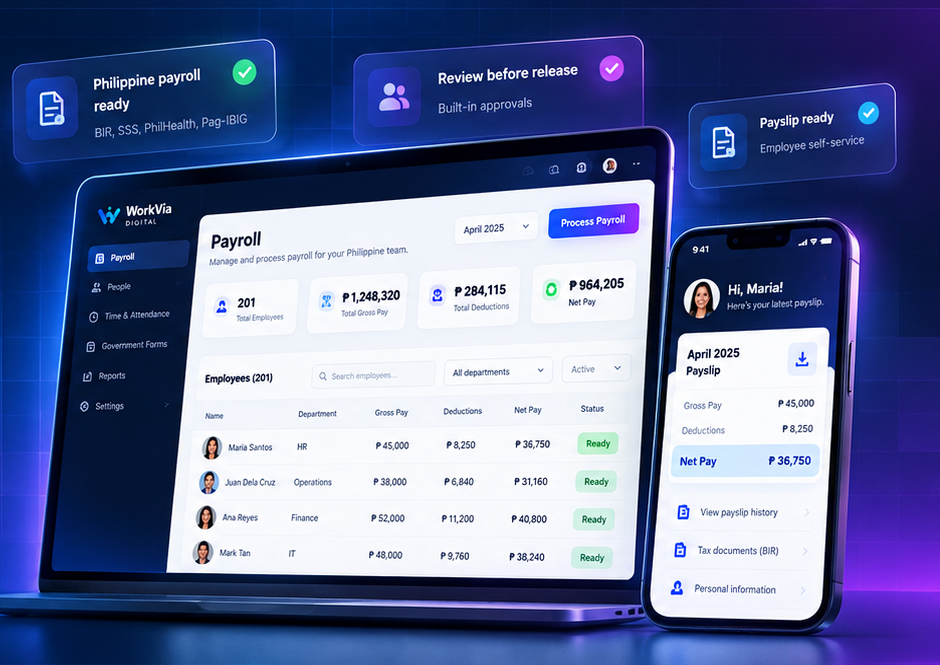
Payroll
Automate your payroll, support Philippine compliance workflows, and give your people a better experience—all in one simple, powerful platform.
Philippine payroll contextStay current through reviewed settings.
Automated payroll & government filingsSave time and reduce errors.
Employee self-service payslipsA better experience for your team.
Trusted by Philippine businesses
Built for every kind of businessFrom startups to growing operations, WorkVia helps Philippine teams simplify payroll and people processes.Key benefits
Bring configured earnings, overtime, differentials, deductions, contributions, and tax inputs into one payroll run.
Keep preparation, review, approval, and release responsibilities clearly separated.
Use approved employee, schedule, attendance, and compensation context from supported WorkVia workflows.
Prepare payslips and payroll history that authorized users can review.
Support configured statutory contributions, withholding tax, and year-end payroll records.
Core capabilities
Organize payroll cutoffs, covered dates, and the employees included in each run.
Bring approved hours, overtime, holidays, and differentials into payroll preparation.
Calculate configured basic pay, taxable or non-taxable allowances, and other earnings.
Apply configured deductions, employee loans, and authorized adjustments.
Prepare configured SSS, PhilHealth, and Pag-IBIG contribution amounts.
Support compensation withholding context and payroll-backed year-end records.
Move prepared payroll through controlled review and approval before release.
Prepare employee payslips and supported bank-file outputs for authorized handling.
Keep payroll runs, statuses, records, and approved actions traceable.
A closer look
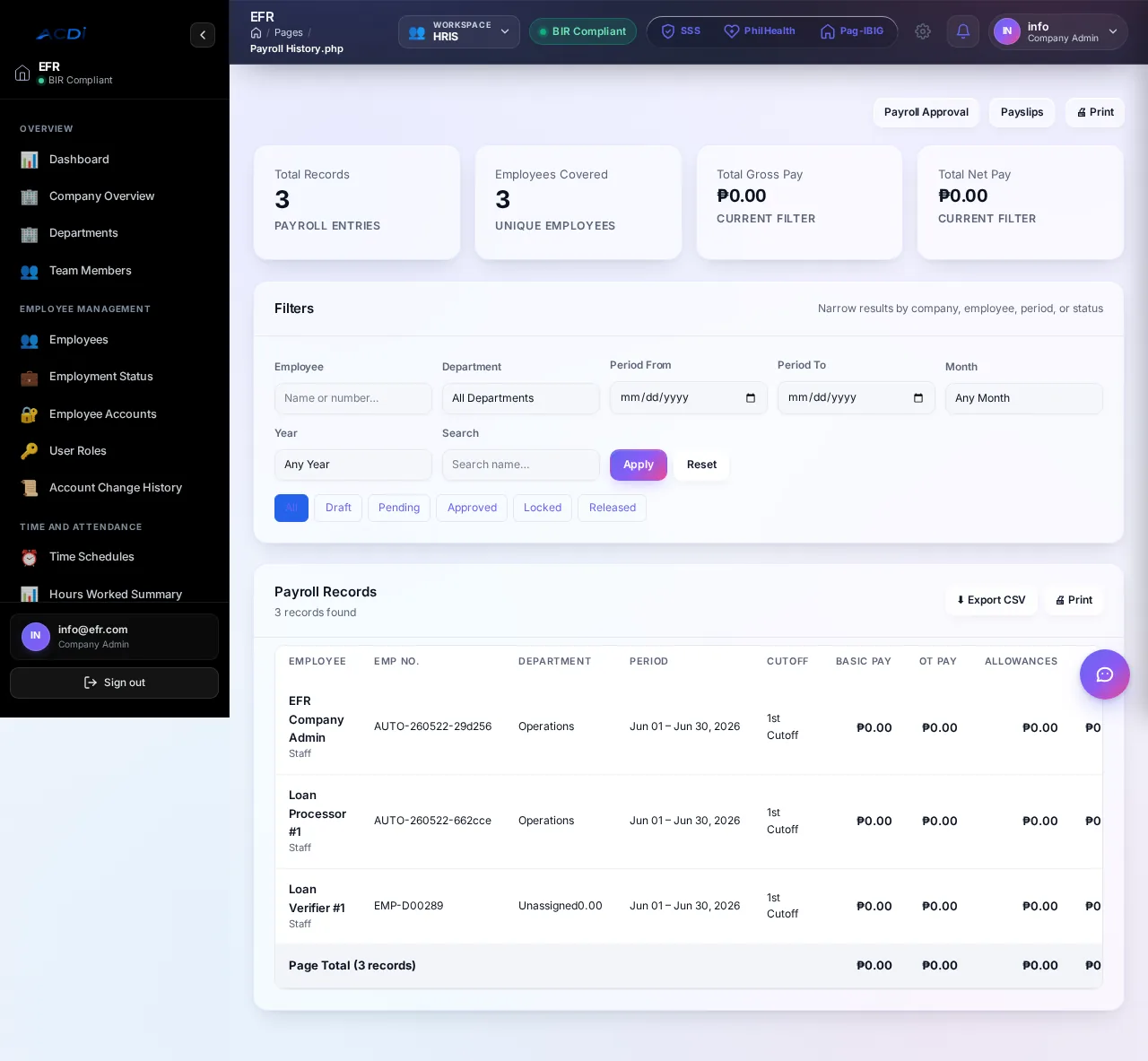
From inputs to authorized release
Confirm company settings, employee compensation, contribution tables, tax context, and permissions.
Select the period and employees, then review approved time, earnings, deductions, and exceptions.
Check payroll summaries and supporting records before an authorized approver changes the status.
Use the approved payroll for the separate authorized release, bank-file, payslip, and accounting steps.
Designed for accountable roles

Prepare payroll periods, review inputs, and resolve payroll exceptions.

Review payroll summaries and approve only within assigned authority.

View authorized payslips and personal payroll records made available to them.

Handle approved payroll obligations, release context, and configured accounting handoffs.
Frequently asked questions
WorkVia supports configurable Philippine payroll calculations and records. Compliance still depends on current regulations, accurate employee and company data, approved configuration, timely updates, and professional review; the software does not replace legal or tax advice.
The Payroll product supports configured statutory contribution calculations. The applicable tables, employee classifications, effective dates, and company settings must be reviewed during setup and maintained as requirements change.
Supported WorkVia HRIS and timekeeping workflows can provide approved hours, overtime, leave, holidays, and schedule context for payroll preparation. Payroll review remains a separate controlled step.
WorkVia Payroll supports payslip preparation and supported bank-file outputs. Availability and the exact format depend on the configured plan, payroll workflow, and bank requirements confirmed during assessment.
No. Payroll preparation, review, approval, and release or posting are separate responsibilities. Your configured permissions and operating process determine who may perform each step.
Ready to review your payroll workflow?